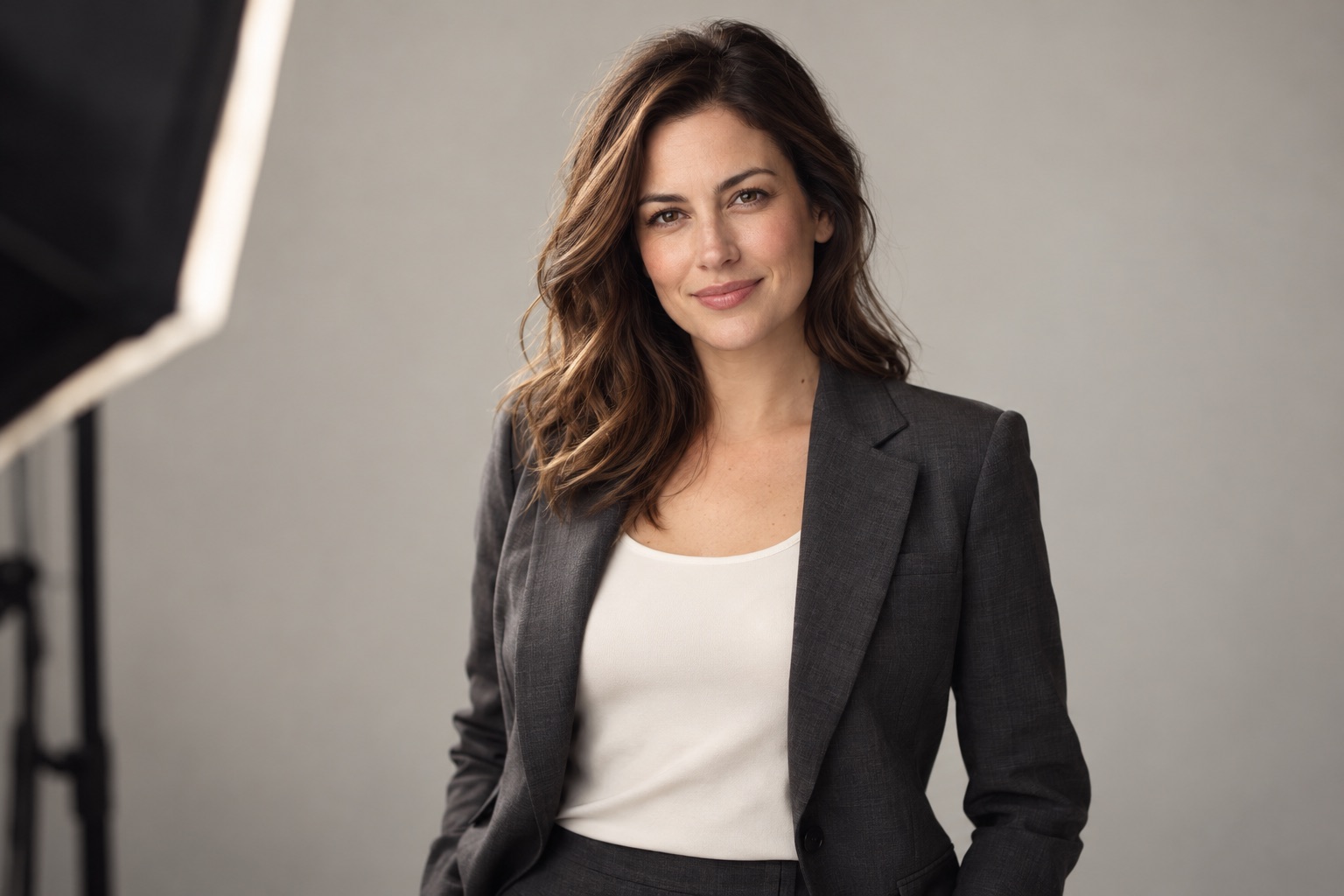
Preparing for a business portrait starts with how you will use the photographs. LinkedIn needs a clear, recognisable headshot. A website may also need wider images with room for text. A personal branding session can include more context about your work. Choose clothing, background and the shot list after those uses are clear.
You do not need a new suit or a collection of memorised poses. A short brief is more useful: who will see the pictures, where they will appear and what you want to communicate. This guide helps you prepare for a business headshot or studio personal branding session.
Decide where the photographs will appear
Send your photographer your website and professional profile. If the photographs are for a company, check its requirements for background, cropping and editing. New portraits should fit an existing team gallery when that consistency is part of the assignment.
For a website, look at the layout before the session. Does the person need to be on the left or right? Will a headline or button sit beside them? A horizontal banner and a circular profile picture need different framing. One tightly cropped portrait cannot always serve every format without losing useful detail.
What to wear for a business headshot
Wear something appropriate for meeting your audience. That might be a suit, a simple shirt, knitwear or a jacket over a plain top. Formality works when it supports your professional role and still feels like you.
Prepare two complete options: one more formal and one more relaxed. This is a planning suggestion, not a promise about the number of outfits in a package. Agree on changes when booking. Try each outfit with shoes and accessories, and check how it sits when you are seated.
Solid colours are generally straightforward to coordinate with a background. Fine stripes, small checks and highly reflective fabrics are worth checking in a test shot. A prominent logo makes sense when it serves your brand, rather than accidentally becoming the main subject.
Choose a background and a clear direction
A light background may suit a clean team page. A dark one can support a more contrasty portrait. An interior or work-related object can add context, provided it does not pull attention away from you. “Make it look expensive” is a vague brief; “make it fit a consultant's calm, minimal website” gives the photographer something practical to work with.
Collect a few references and explain what you like: lighting, expression, hand position or space around the person. Include an example you do not want to repeat. This is more useful than asking to copy an entire photograph.
Plan hair, makeup and retouching
Choose a look in which you remain recognisable. If you would like professional makeup or hair styling, discuss references and preparation time in advance. Availability, price and whether those services are included must be confirmed separately.
Agree on retouching before the session as well. You can discuss temporary blemishes, distracting shine and clothing details while preserving facial features and skin texture. A polished professional portrait does not automatically require changing the shape of your face.
What if you do not know how to pose?
Tell the photographer before you arrive. You can begin standing or sitting comfortably, then adjust your body angle, gaze and hands in small steps. You do not have to hold a tense smile throughout the session. A calm expression may be just as suitable for your message.
If you normally wear glasses, bring them and clean the lenses. Reflections can be addressed through lighting and head position. Removing a familiar part of your everyday appearance is not an automatic requirement.
A shot list for LinkedIn, websites and personal branding
- A close headshot with space for a circular profile crop.
- A vertical head-and-shoulders or waist-up portrait for an About page.
- A horizontal image with room for website text or an event announcement.
- A more relaxed portrait for interviews and social posts.
- A photograph with a relevant work item, if it helps explain what you do.
These are possible uses, not the contents of a particular package. Confirm the number of finished photographs, delivery timing, selection process and permitted uses before booking.
For LinkedIn, prioritise a current likeness and a clear, recognisable face. These principles also appear in LinkedIn's official profile photo guidance. View your choice as a small circle: your face should remain easy to see.
What to bring to the studio
Pack complete outfits with the right shoes and accessories. Prepare clothing without obvious creases or storage marks. Bring a comb, your usual products for small adjustments, a glasses cloth and any work props agreed for the session.
Before a business portrait session in Gdańsk, check your route and the confirmed location. KARIROOM studio is at Belgradzka 10A, 80-288 Gdańsk, in Morena. The time and location of your specific appointment should be confirmed when booking.
Frequently asked questions
Do I have to wear a suit?
No. Your profession, audience and normal working style are better guides. Well-fitting clothes that make sense for you matter more than formality for its own sake.
Can one session provide photographs for several channels?
Yes, if you discuss the uses and formats beforehand. Agree on the relevant shots within your selected package.
What should I include in my first enquiry?
Explain your profession, the purpose of the pictures, intended platforms, preferred date and number of participants. Attach company requirements if you have them.
Business portraits with Karina Petkevich
Explore the KARINAPHOTO business portrait portfolio and discuss your own session. This article's cover is an AI-generated illustration; Karina's actual photographs are presented in the portfolio.